Insta Profile Picture Viewer1.0.10
Publisher Description
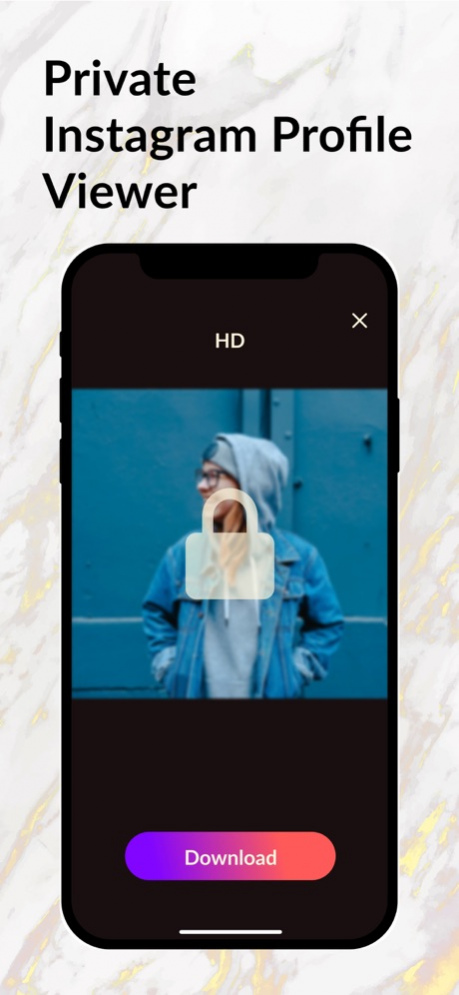


Insta Profile app allows you to view instagram profiles, watch stories & reels & post videos; carousel posts.
You can enjoy a more enjoyable instagram profile viewing experience with gradient colors and candy like bubbles on the app background. You can search and view any public instagram profiles and view their stories, posts, videos etc.
- Privacy policy: https://sites.google.com/view/insta-profile-app/privacy-policy
- Terms of use: https://sites.google.com/view/insta-profile-app/terms-of-use
- About Subscriptions: https://sites.google.com/view/insta-profile-app/about-subscriptions
Hope you'll like Insta Profile Picture Viewer and share your thoughts with us!
Jul 29, 2022 Version 1.0.10
Bug fixes and performance improvements.
About Insta Profile Picture Viewer
The company that develops Insta Profile Picture Viewer is App Empires Yazilim Anonim Sirketi. The latest version released by its developer is 1.0.10.
To install Insta Profile Picture Viewer on your iOS device, just click the green Continue To App button above to start the installation process. The app is listed on our website since 2022-07-29 and was downloaded 23 times. We have already checked if the download link is safe, however for your own protection we recommend that you scan the downloaded app with your antivirus. Your antivirus may detect the Insta Profile Picture Viewer as malware if the download link is broken.
How to install Insta Profile Picture Viewer on your iOS device:
- Click on the Continue To App button on our website. This will redirect you to the App Store.
- Once the Insta Profile Picture Viewer is shown in the iTunes listing of your iOS device, you can start its download and installation. Tap on the GET button to the right of the app to start downloading it.
- If you are not logged-in the iOS appstore app, you'll be prompted for your your Apple ID and/or password.
- After Insta Profile Picture Viewer is downloaded, you'll see an INSTALL button to the right. Tap on it to start the actual installation of the iOS app.
- Once installation is finished you can tap on the OPEN button to start it. Its icon will also be added to your device home screen.
Program Details
System requirements
Download information
Pricing
Version History
version 1.0.10
posted on 2022-07-29
Jul 29, 2022 Version 1.0.10
Bug fixes and performance improvements.
version 1.0.6
posted on 2022-05-16
May 16, 2022 Version 1.0.6
We keep improving Insta Profile with feedbacks from you. This release contains performance improvements and bug fixes.
version 1.0.5
posted on 2022-05-02
May 2, 2022 Version 1.0.5
Bug fixes and performance improvements
version 1.0.4
posted on 2022-04-14
Apr 14, 2022 Version 1.0.4
We've added support for in app purchases for you to remove ads in the app. For sure you can always use the app for free. Love from Mugla.
version 1.0.3
posted on 2022-03-31
Mar 31, 2022 Version 1.0.3
We've made the app better so you can search for Insta profiles more conveniently.
version 1.0.2
posted on 2022-02-24
Feb 24, 2022 Version 1.0.2
We've made the app better so you can search for Insta profiles more conveniently..
